What to look for in an online SQL compiler
Most browser-based SQL editors can run a query. The difference between a toy and a real practice tool comes down to a handful of things:
- Runs entirely in the browser – no MySQL server, no local database to install or configure
- Understands the SQL dialect you actually use at work or in interviews, not a toy subset
- Lets you save a query and come back to it, instead of starting over every session
- Gives you a way to share a query with a link, for review or collaboration
- Offers AI help that can see the query and schema you’re working on, not a separate chat window
Save and share your query – accessible anytime
Upskly's SQL editor is one of the few free tools that lets you actually save a query and come back to it later, instead of losing your work the moment you close the tab. Once signed in, the editor has dedicated Save and Share buttons right in the toolbar – saving keeps your work in your own account, accessible anytime you sign back in, and sharing gives you a link so someone else can see exactly what you wrote and ran.

SQL that understands real dialect
The editor is an interactive SQLite workspace with MySQL syntax auto-translated, so practice carries over to how SQL is actually asked about in interviews and used on the job – DESCRIBE, AUTO_INCREMENT, DATE_FORMAT and more just work, without needing to learn a second dialect first.
Context-aware AI, not a separate chat window
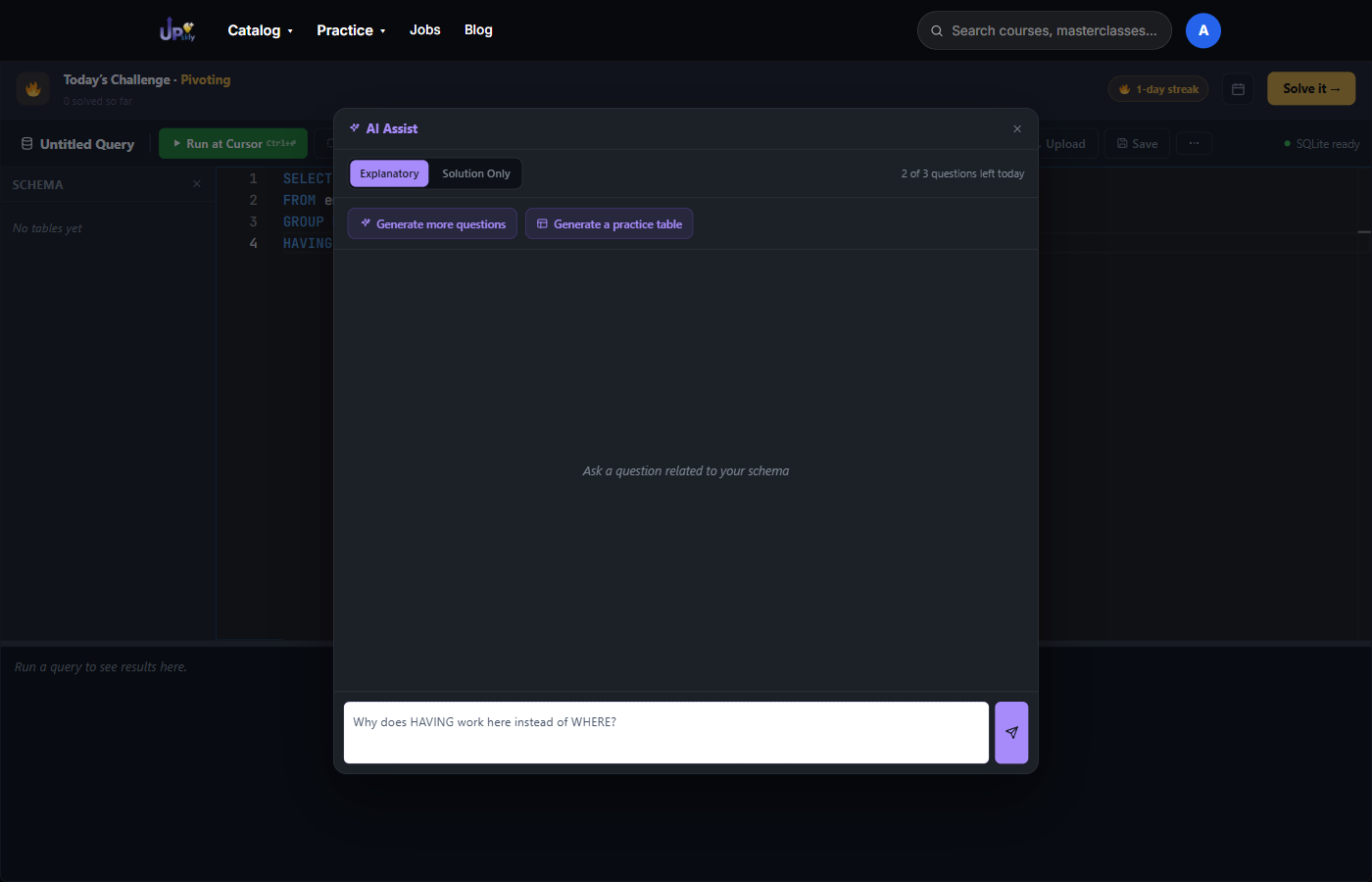
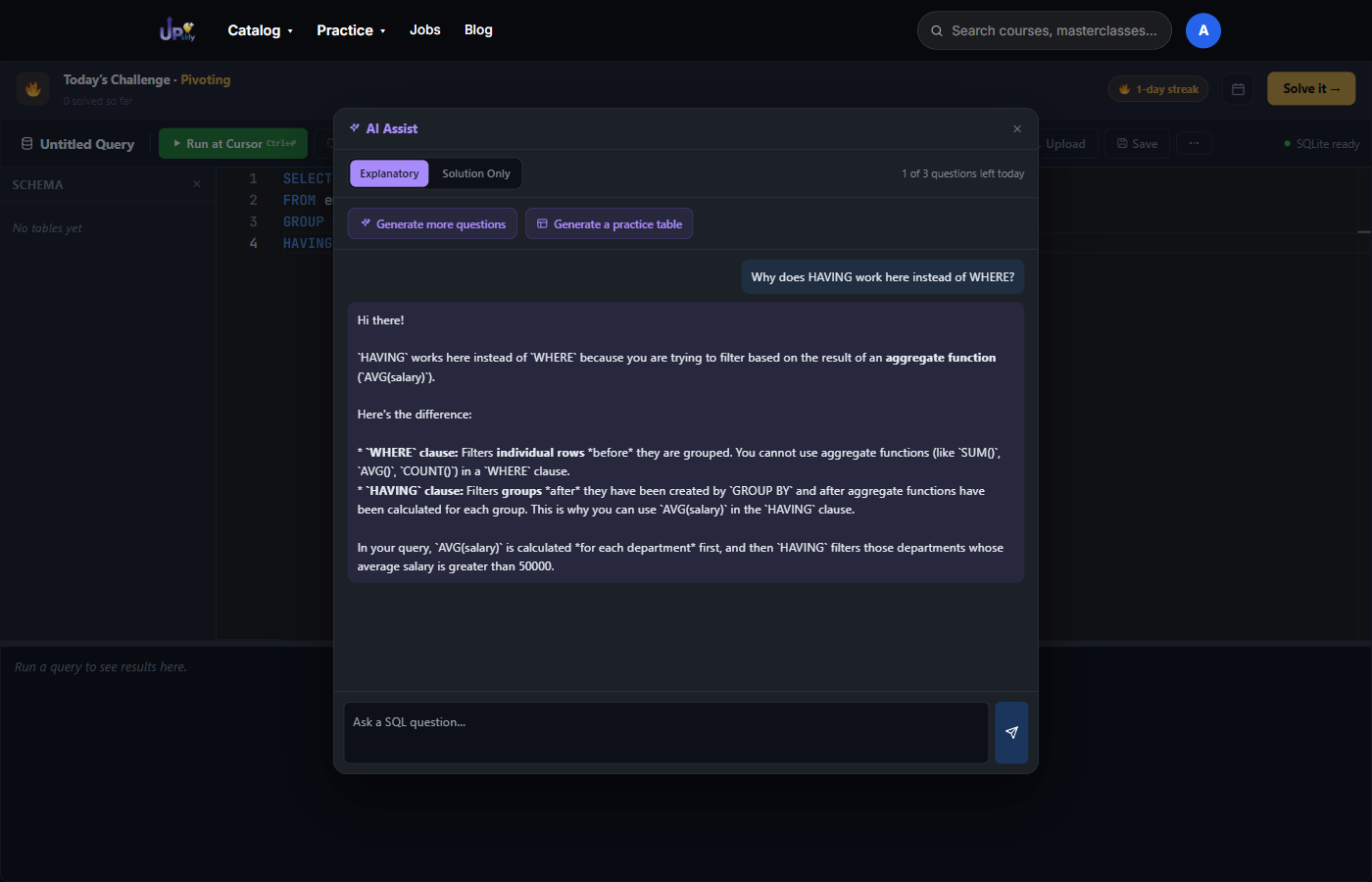
Instead of copying an error message into ChatGPT and pasting the schema back, AI Assist inside Upskly's SQL editor can already see the query you're working on. Ask about it directly and get an answer that applies to what's actually in front of you – here's a real example, asked against a real query: